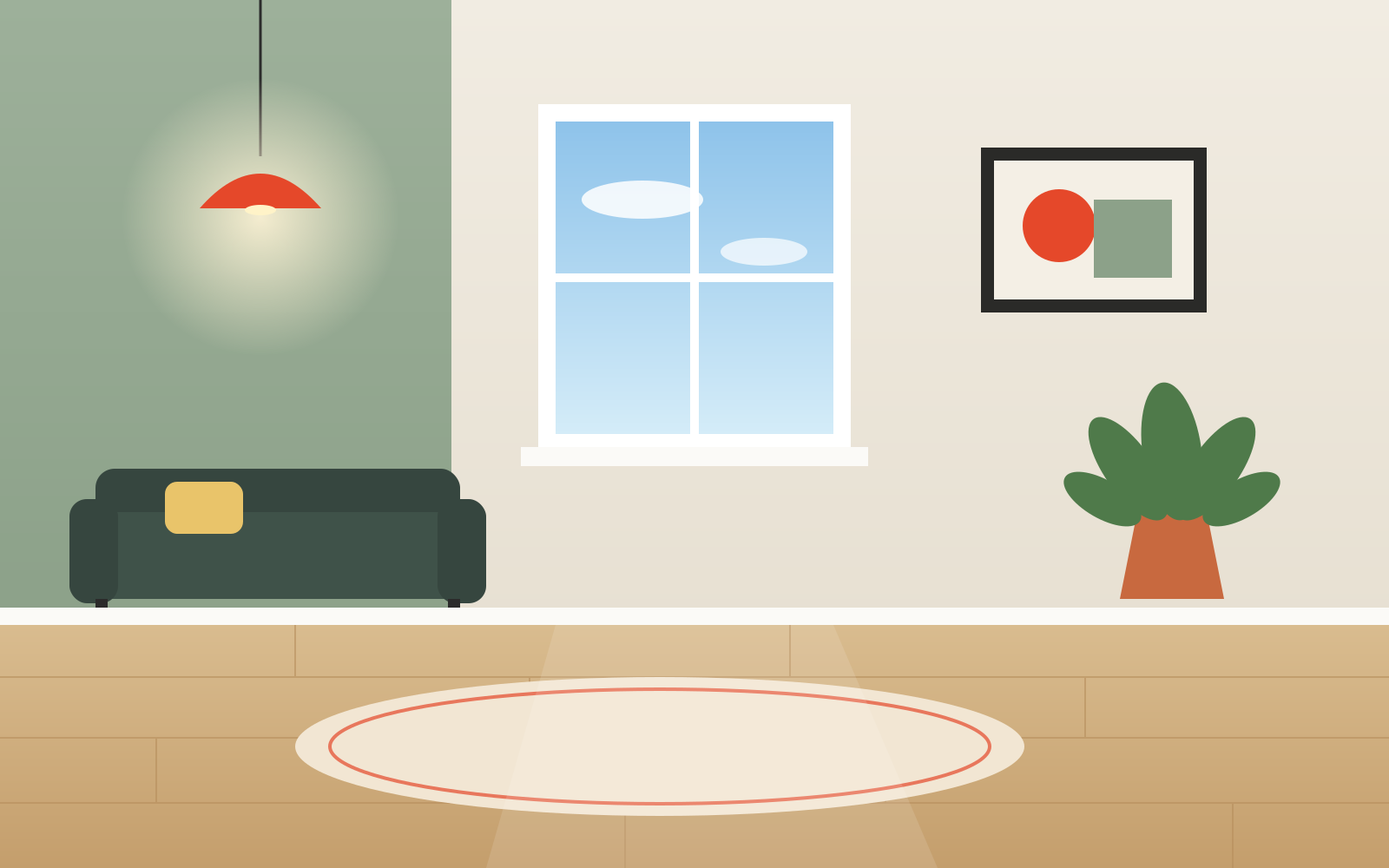
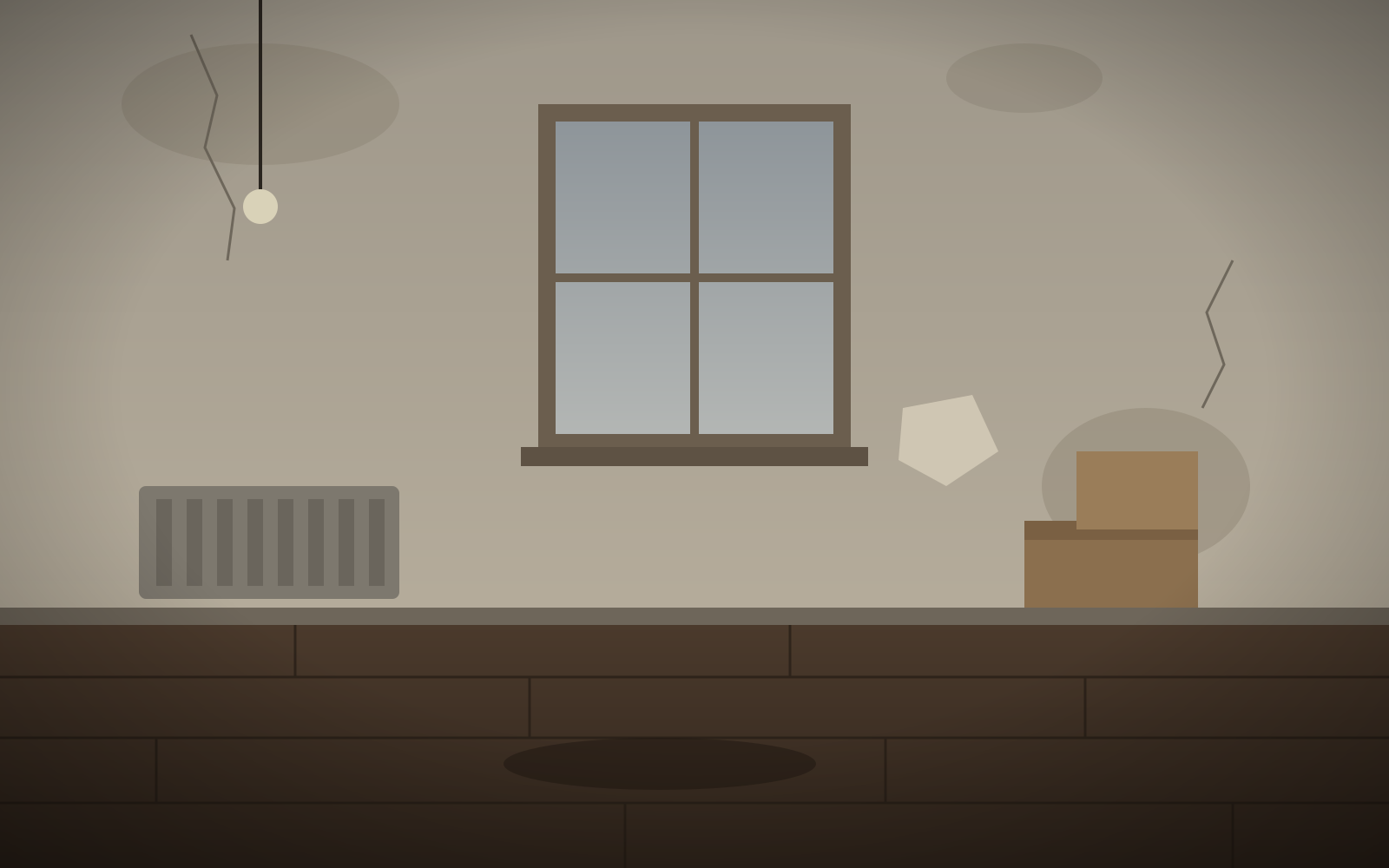
Is the before and after photo maker free?
Yes. You can upload two photos, pick any layout, edit the labels and download a PNG up to 1200 px wide or create an embeddable slider for your website without an account, as often as you like. A free Google sign-in adds animated GIF and MP4 exports and 3 watermark-free exports. Free images and videos carry a small watermark in the bottom-right corner, and the free embed has a small credit link under it; 40 more watermark-free exports cost $9.90 once.
Are my photos uploaded to a server?
No. The images are read and drawn by your own browser using the Canvas API. There is no upload step and no server that receives your files, which is why it works for client and patient photos. Closing the tab clears them from memory.
Can I export an interactive slider for my website?
Yes. Pick Embed under Export and the tool writes one block of HTML with both photos inside it (re-encoded to at most 1600 px, or 1000 px with Small), plus a little scoped CSS and JavaScript. There is nothing to host: paste it into a Custom HTML or code block in WordPress, Squarespace, Shopify or Wix, or download it as an .html file. Visitors can drag it with a mouse or finger, or use the arrow keys, and it keeps your labels, direction, start position, alignment and logo. The free embed shows a small “Made with Before and After Photo Maker” link under the slider; removing it uses one credit. Large photos make large code, and some site builders limit how much HTML a block accepts, so the editor shows the size before you copy it.
What happens if my before and after photos are different sizes?
Both photos are cropped to fill the same frame. The frame defaults to the shape of your before photo; you can switch to 1:1, 4:5, 4:3, 16:9 or 9:16. If the two shots were taken from slightly different spots, open Align & zoom: zoom each photo up to 3× and drag it into place, with an overlay that shows the after photo at 50% over the before so you can line up edges. Exports use exactly the framing you see.
Can I add my own logo?
Yes. In the Logo panel, upload a PNG, SVG, JPG or WebP, then pick a corner and a size. The logo appears in the preview and on every export, including GIF, MP4 and the embed. It is saved in your browser's local storage so it is there on your next visit, and it never leaves your device. On free exports the small watermark stays in the bottom-right, and a logo placed in that corner moves up above it.
Which aspect ratio should I use for Instagram, TikTok or a website?
Use 4:5 or 1:1 for an Instagram feed post, 9:16 for Stories, Reels and TikTok, and 16:9 or Original for websites and YouTube. Side-by-side doubles the width and stacked doubles the height, so a stacked 4:5 pair becomes a tall image that suits phone screens.
Does the tool retouch, enhance or face-swap my photos?
No. It does not use AI and does not change the content of your photos. It only crops, places and labels the two images you provide. That matters for clinics, coaches and contractors whose results need to be shown as they were photographed.
Why won't my iPhone photo open?
iPhones save photos as HEIC by default, and most browsers other than Safari can't decode HEIC. Export the photo as JPG from the Photos app, or set Settings → Camera → Formats → Most Compatible, then upload again.
What do I get for $9.90, and can I get a refund?
40 watermark-free exports for one payment, not a subscription. Each HD PNG (up to 4096 px), GIF or MP4 without the watermark, or embed without the credit link, uses one credit, and credits never expire. If an export fails, its credit comes back automatically. Checkout will run through PayPal. You can get a full refund within 14 days if you've used 5 or fewer of the pack's credits.