Wipe
The divider glides from one side to the other and back, like someone dragging the slider. Choose left–right or top–bottom; top–bottom suits tall 9:16 frames and changes that happen from floor to ceiling.
Two photos in, one looping GIF out. Pick a wipe that sweeps the divider across, a cross-fade, or a circle that opens from the middle, set the speed, and press Preview motion to watch it before you export.
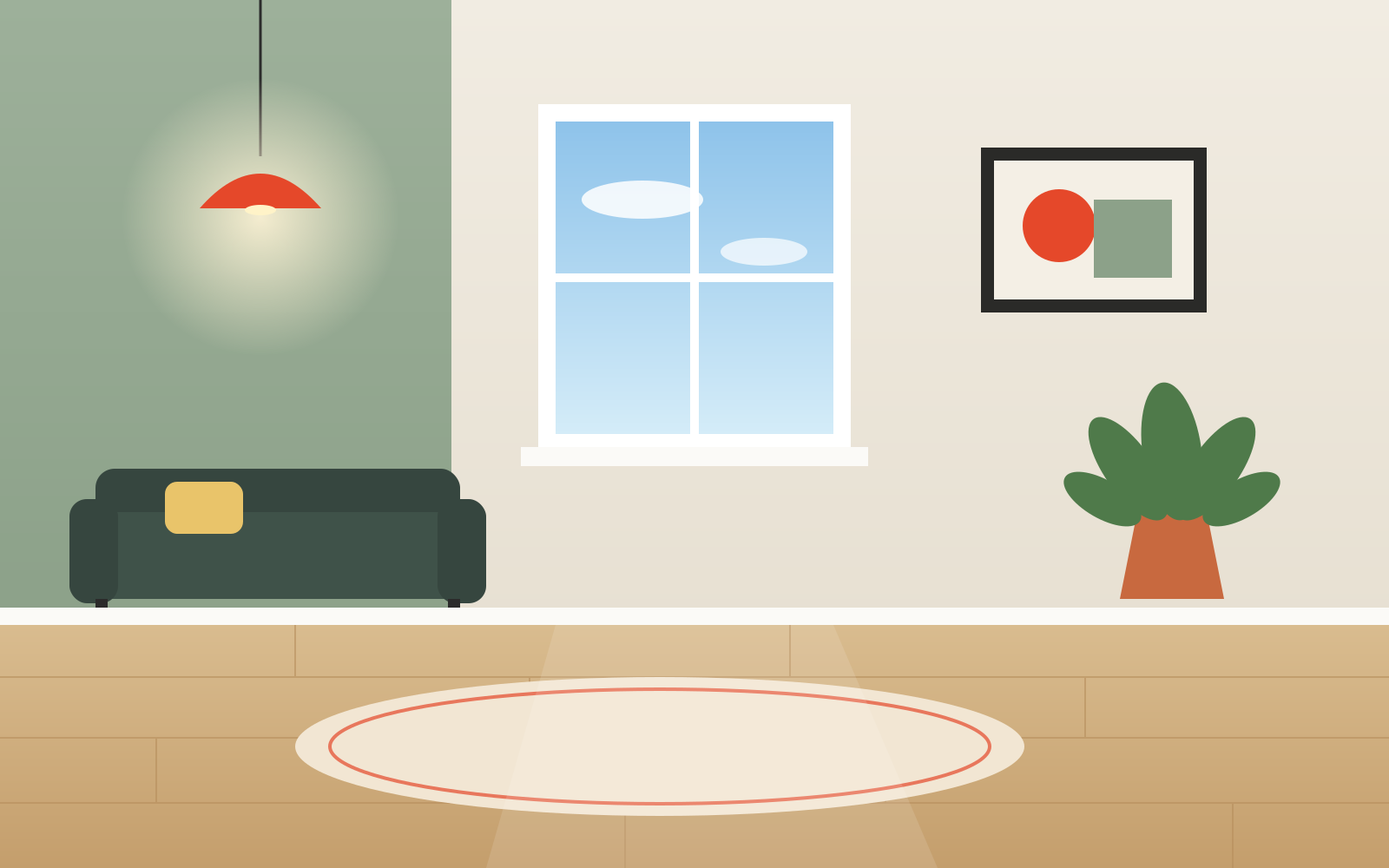
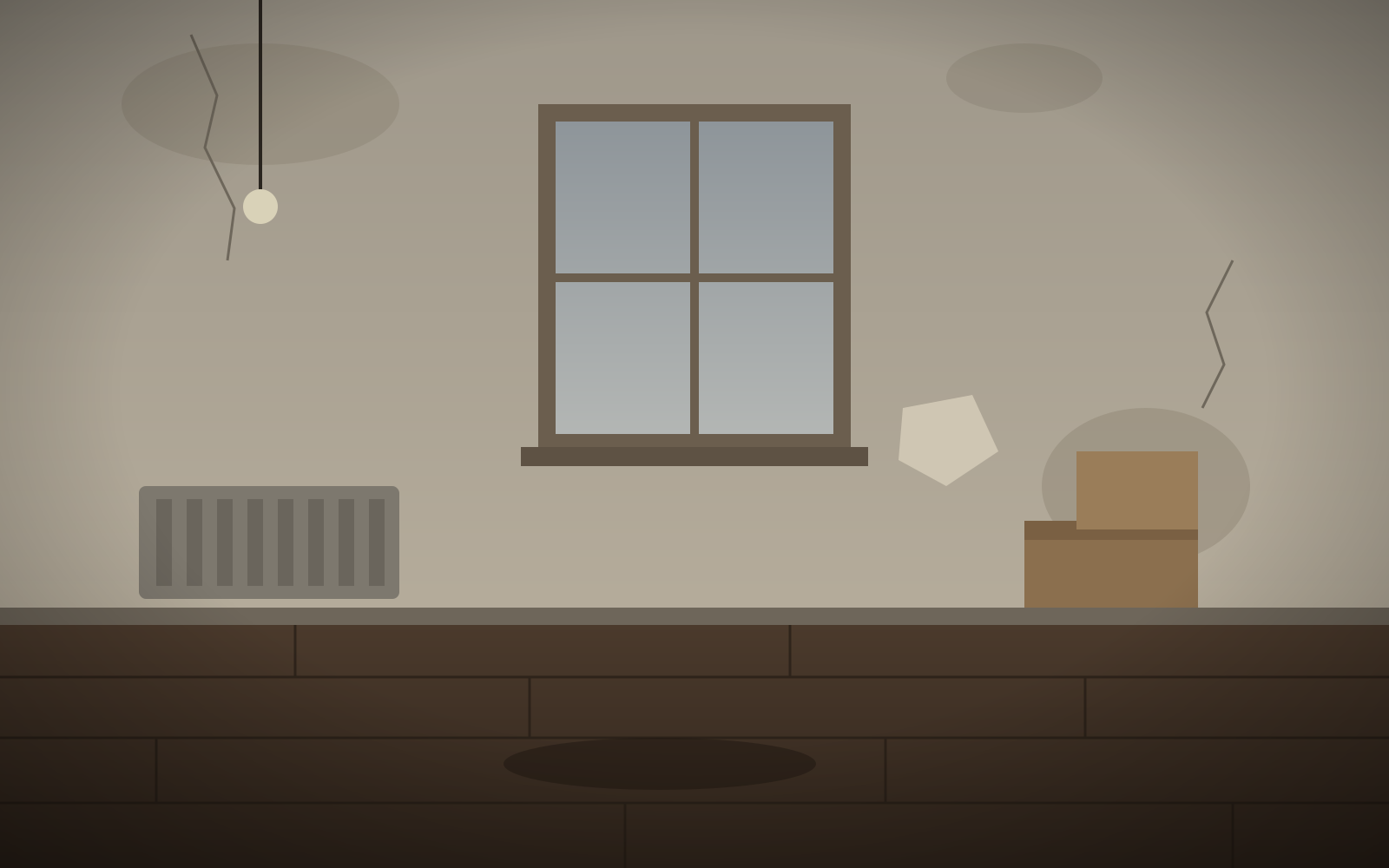
Drag the handle (or use arrow keys). Press Preview motion to see the animation.
Processed on this device — nothing is uploaded
Each style loops forever and uses the same frame, alignment, labels and logo you set up in the editor.
The divider glides from one side to the other and back, like someone dragging the slider. Choose left–right or top–bottom; top–bottom suits tall 9:16 frames and changes that happen from floor to ceiling.
Holds on the before photo, dissolves into the after, holds again and dissolves back. Good for subtle changes such as skin, teeth, color grading or lighting, where a hard edge would distract.
The after photo opens from the center in a growing circle with a thin white ring, then closes again. It draws the eye to the middle of the frame, so center the subject with Align & zoom first.
Drop them on the preview or use the Before and After buttons. JPG, PNG, WebP and AVIF all open; nothing is uploaded.
If the shots were taken from slightly different spots, open Align & zoom, turn on the 50% overlay and drag one photo until edges match.
Pick Wipe, Fade or Circle and Slow (5 s), Normal (3 s) or Fast (1.5 s) per loop. Preview motion plays it in the editor.
Sign in with Google for free GIF export with a small watermark, or switch on Remove watermark to use a credit.
A GIF plays by itself almost everywhere an image is allowed: email newsletters, Slack and Teams, iMessage, Notion pages, forum posts, marketplace listings and README files. There is no play button and no sound to worry about, which makes it the easiest way to show a change in a place that was built for pictures.
Yes, a free Google sign-in. After that, GIFs with a small watermark are unlimited. Each GIF without the watermark uses one credit, and a new account comes with 3. The PNG and the website embed work without signing in.
The GIF is 800 px on its long edge. File size depends on your photos and the speed, and is usually a few megabytes. Fade and circle GIFs are often smaller than a wipe, because their pauses are stored as single long frames. Fast also makes a smaller file than Slow, since one loop has fewer frames.
No. Every animation shows both photos in one frame, the same frame the slider uses, because that is what makes a wipe, fade or circle work. Your aspect ratio, alignment, labels and logo all carry over.
A GIF can hold only 256 colors per frame, so smooth gradients like a sky, a painted wall or skin can show faint bands. If that matters, export an MP4 instead: same animation, full color, and usually a smaller file.