Photos inside the code
Each photo is cropped to the frame with your zoom and position, re-encoded as WebP (JPEG where the browser can't make WebP) at up to 1600 px, or 1000 px with Small, and stored inside the HTML.
Put a draggable before-and-after slider on your own website without a plugin or an image host. Set it up below, press Create embed code, and paste the result into any page that accepts custom HTML.
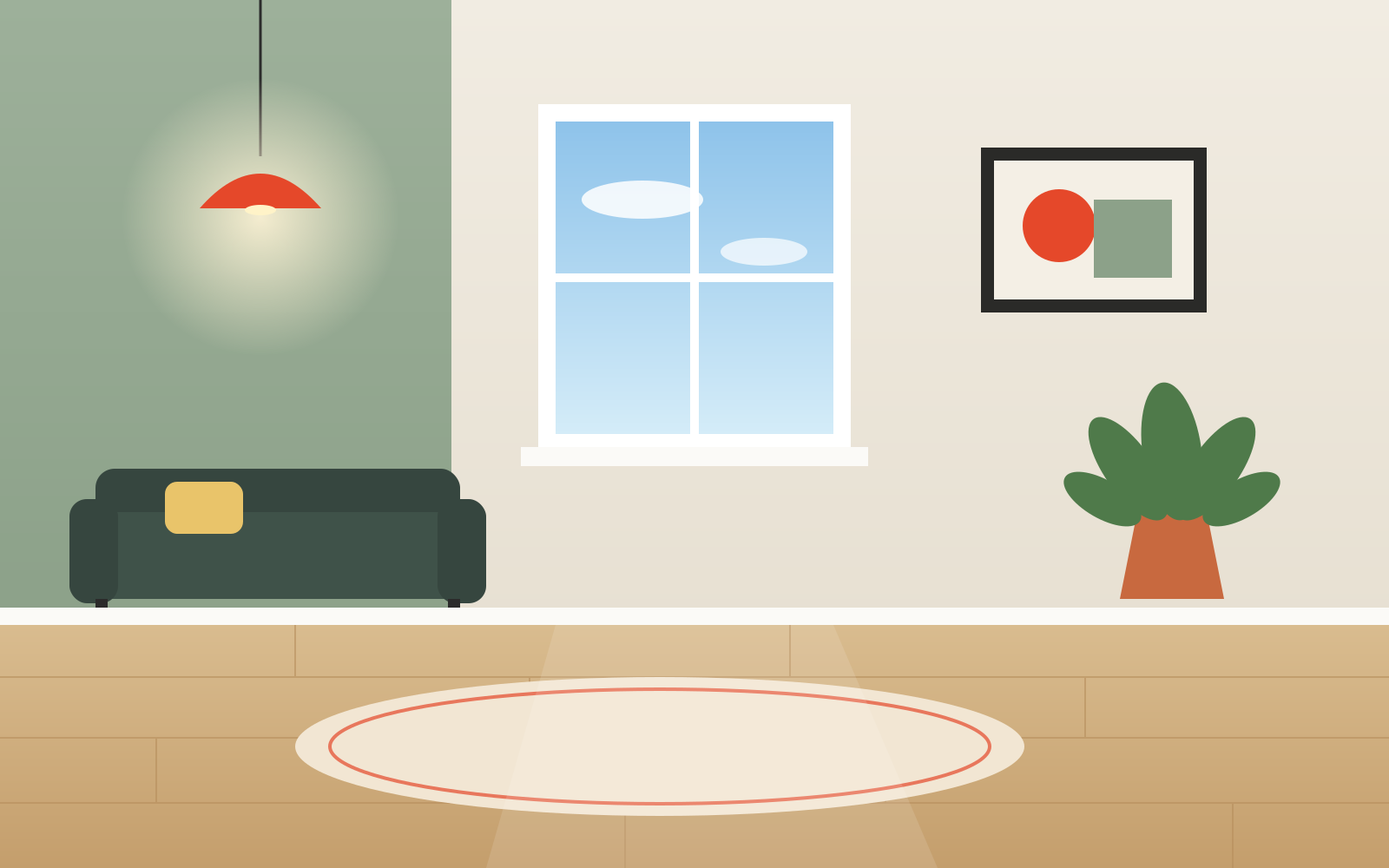
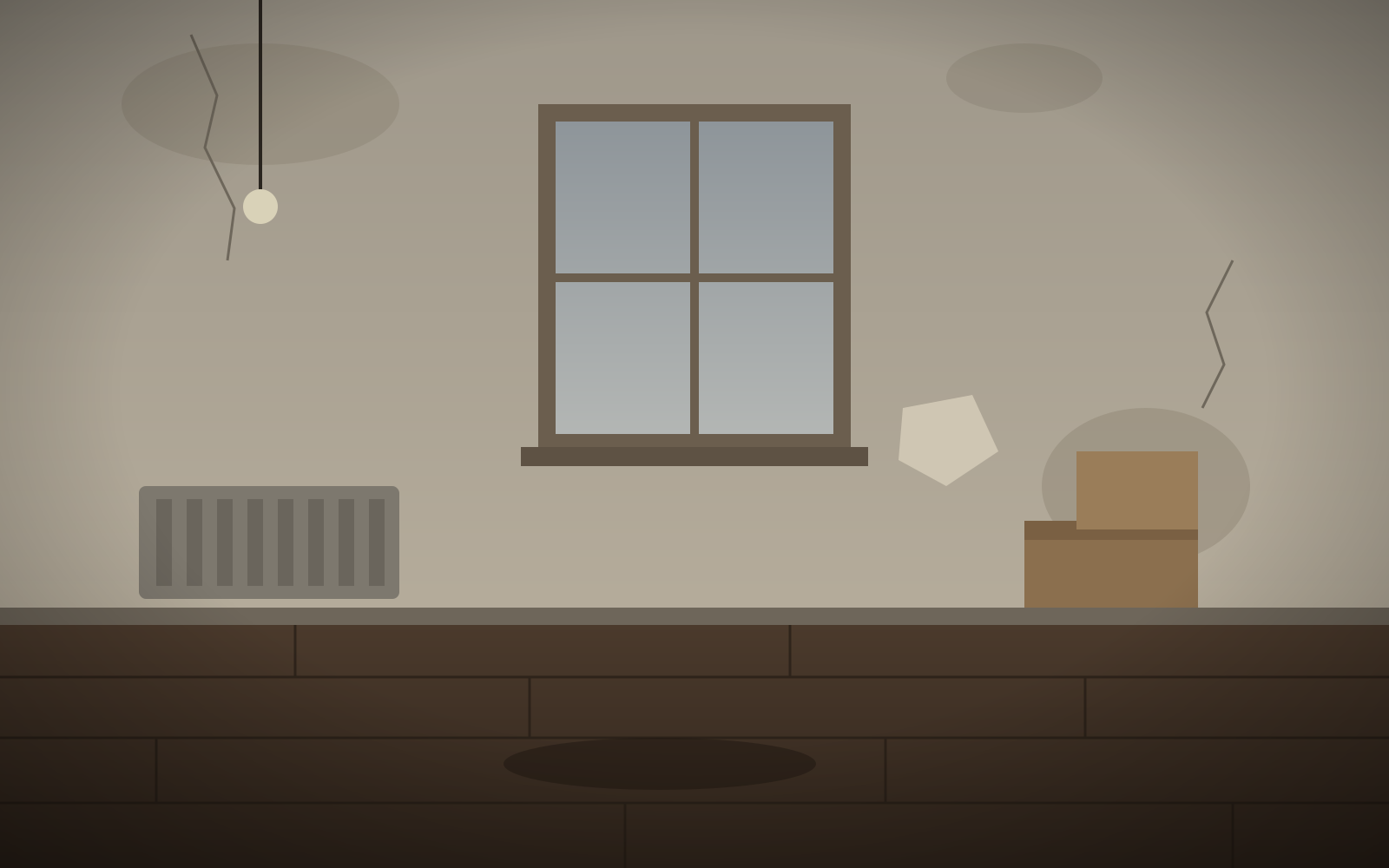
Drag the handle (or use arrow keys) to set where the embedded slider starts.
Processed on this device — nothing is uploaded
One self-contained block of HTML. It is generated in your browser from the settings you see in the editor.
Each photo is cropped to the frame with your zoom and position, re-encoded as WebP (JPEG where the browser can't make WebP) at up to 1600 px, or 1000 px with Small, and stored inside the HTML.
Styles and script use a random class name, so they won't clash with your theme or with a second slider on the same page. It fills the column it is placed in, up to the photo's own width.
Drag or click to move the divider, swipe on phones, or Tab to the handle and use the arrow keys. Left–right and top–bottom sliders are both supported, starting where you left the handle.
Copy the code with Copy embed code, or download the .html file and open it to check it first. Then:
No. Both photos, the styles and the script are inside the code you paste, so the slider keeps working even if this site goes away. The only thing pointing back here is the optional “Made with” link, which is a plain link.
It weighs about as much as the two photos it contains, which the editor shows before you copy it — typically a few hundred KB at Standard size. The script itself is under 2 KB and does nothing until someone touches the slider.
Not in place: the photos are part of the code. Make the new comparison in the editor, create the embed again and replace the old code. Your logo is remembered in this browser, so that part is quick.
Yes. The embed with a small “Made with Before and After Photo Maker” link under it is free and needs no account. Removing the link uses one credit, which needs a free Google sign-in; new accounts get 3 credits.
The handle is a standard slider control: it can be focused with Tab and moved with the arrow keys, Home and End, and screen readers announce its position. Each photo has alt text taken from your labels, and on touch screens a horizontal slider still lets the page scroll vertically.